Readings Newsletter
Become a Readings Member to make your shopping experience even easier.
Sign in or sign up for free!
You’re not far away from qualifying for FREE standard shipping within Australia
You’ve qualified for FREE standard shipping within Australia
The cart is loading…


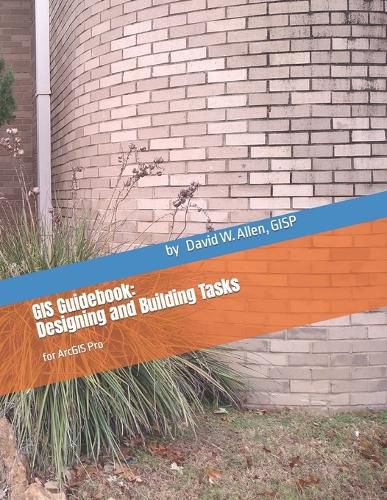
The new Task Items in ArcGIS Pro allow you to develop a step-by-step script that guides users through a workflow or process. This book is designed to teach you how to document, streamline, and develop the processes that step through your workflows using Tasks. The book contains discussions of the topics associated with tasks, and examples of how they are used. Each section also has descriptions of the building process and parameter settings for these items so that you will not only understand the examples shown here but be able to transfer that knowledge to your own workflows and processes. After each of the discussion sections there are exercises to work through that will provide some hands-on experience with the features and settings, including tips and tricks for their best use. At the end of the book are two project suggestions that you can complete on your own, either with the provided data or using your own data sets.
$9.00 standard shipping within Australia
FREE standard shipping within Australia for orders over $100.00
Express & International shipping calculated at checkout
Stock availability can be subject to change without notice. We recommend calling the shop or contacting our online team to check availability of low stock items. Please see our Shopping Online page for more details.
The new Task Items in ArcGIS Pro allow you to develop a step-by-step script that guides users through a workflow or process. This book is designed to teach you how to document, streamline, and develop the processes that step through your workflows using Tasks. The book contains discussions of the topics associated with tasks, and examples of how they are used. Each section also has descriptions of the building process and parameter settings for these items so that you will not only understand the examples shown here but be able to transfer that knowledge to your own workflows and processes. After each of the discussion sections there are exercises to work through that will provide some hands-on experience with the features and settings, including tips and tricks for their best use. At the end of the book are two project suggestions that you can complete on your own, either with the provided data or using your own data sets.
Search our extensive online catalogue.